Staff Schedules
Enable the feature
- Go to Events in the main menu and open your event.
- Go to Settings for the event.
- Enable the Staff Schedules feature.
Additional settings
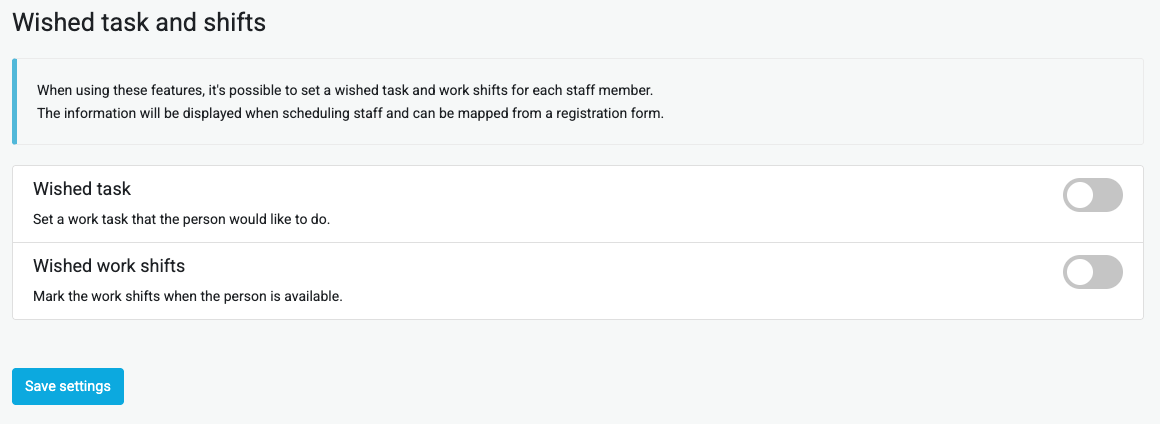
Under Settings - Staff you can also enable the features Preferred task and Preferred shifts. If this is enabled you can create a form where people can specify this and this information will then be carried over to the scheduling.
Add tasks and shifts
Before you can start scheduling you must create tasks and shifts.
Under Settings - Staff, select Tasks. Create the different tasks that should be available here. It is possible to create subtasks or specify that a task should only be available for certain groups. Then go to Shifts and create these. It is recommended to set each day as a shift, more precise times are set during scheduling.
Scheduling
When the above is done we come to the actual Volunteer Scheduling